A little at a time.A CV that’s you.
Bring your experience. Build your CV. Download PDF or Word for free. Here’s how to get from a starting point to a CV that’s ready to send.
No sign-up. No card. No watermark.
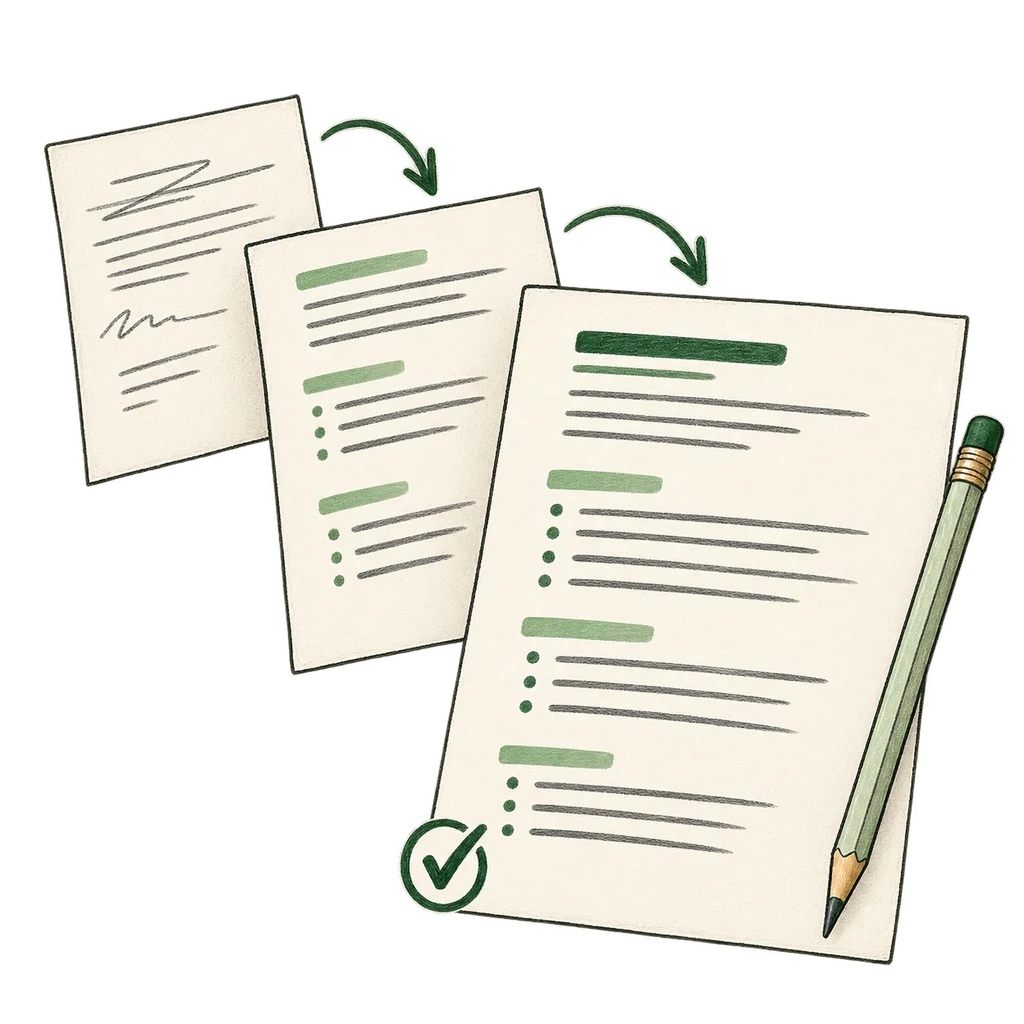
Step 1 of 3
Start with what you know.
Upload a PDF or Word CV, bring in your LinkedIn profile, or choose Start from scratch. An import gives you a head start; review the details before making them your own. You can edit everything in the Builder.
Step 2 of 3
See it come together.
Add your details, experience, education and skills one section at a time. The live preview shows your CV taking shape. Try Classic, Modern, Compact or Signature: all four templates are free, and switching keeps everything you’ve written.
Step 3 of 3
Make your next move.
Check your CV, then continue to Download. Choose “No thanks, download my CV” to get a PDF ready to send or a Word file you can edit. Both are free, with no watermark. Your PDF keeps the same lines and pages you see in the preview.
A little guidance before you start.
You don’t need to have every word ready. Start with the details you have and come back to the rest.
- What if this is my first CV?
- Start with your study, projects, volunteering and community involvement. These can show what you bring, even without a work history. Mark Experience as not applicable and build from what you have.
- Do I need to create an account?
- No. Building and downloading are free without signing up or adding a card. The email address you put on your CV is for employers to contact you; it is not an account sign-up.
- Can I finish my CV later?
- Yes. Your CV saves in this browser as you go. Return on the same device and browser to continue editing or download again. Keep a downloaded copy before clearing browser data or changing devices. Pro adds saving to your account.
- What should I check before downloading?
- Read through your contact details, dates and wording. If you imported a CV, compare every section with your original because imports can miss or misread details. The Builder checks for your name, email and a role, or Experience marked not applicable, before you continue.
Your experience. More impact.
Turn what you’ve done into a CV that makes it count. Get AI help built for New Zealand, using only the facts you provide.
- A full rewrite, with you in control
- A CV tailored to the job you want
- Guided recommendations and premium templates
NZ$29, once.
No subscription.
The experience is already yours.
See how the same facts become a clear CV entry.
The details you provide
I worked at a café in Tauranga. I took orders, made coffees and trained two new staff. I also opened the café three mornings a week.
Example Pro rewrite
Served customers and made coffees at a Tauranga café. Trained two new team members and opened the café three mornings a week.
Every fact comes from the details above.
Your experience, clearly expressed. Your facts, kept intact.

Your next chapter
Take your experience somewhere new.
Your first job. A return to work. A change of direction. Start with what you know, and build a CV that shows it.
Free PDF & Word downloads. No sign-up. No card.